![Humanitru-logo-green-horiz-lo-rez-web-main-RGB-3.png]](https://kbhelp.humanitru.com/hs-fs/hubfs/Humanitru-logo-green-horiz-lo-rez-web-main-RGB-3.png?height=40&name=Humanitru-logo-green-horiz-lo-rez-web-main-RGB-3.png)
The Action History log records all interactions, donations, and system activities for a constituent. This guide explains how to access and filter the history.
Part A: Accessing the Action History- Open the constituent profile whose history you want to view.
- Locate the "Actions" section at the bottom right of the profile.
- Click “load more actions” to display the full interaction history.
- The history is displayed in chronological order with the most recent activities first.
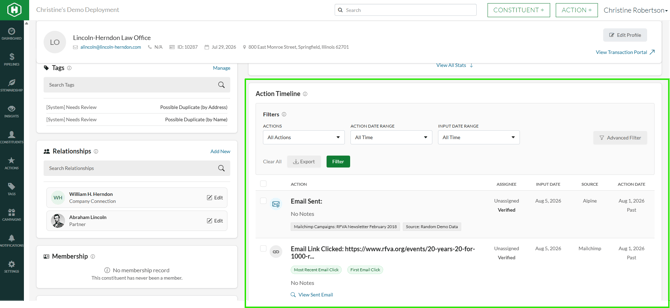
Action history showing interaction timeline
Part B: Understanding History TypesTypes of Recorded Actions
- Donations: All gifts, pledges, and contribution records
- Transactions: All donations, ticket purchases (RSVPs) and membership payments
- Communications: Emails, letters, phone calls, and meetings logged
- Notes: includes histories from bulk uploads, opportunities and pledges as well as POS integrations and user added notes such as biographies, obituaries, etc.
Using History Filters
- Open the constituent profile and navigate to the Actions section.
- Locate the filter options you wish to use.
- Filter by action type.
- Filter by date range using calendar pickers.
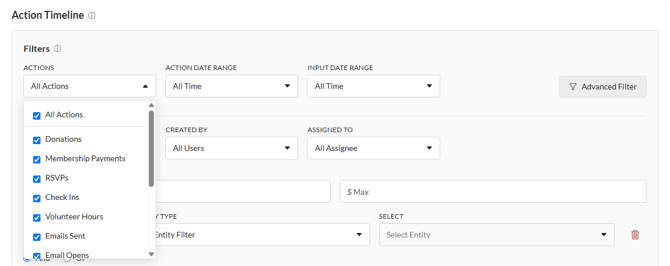
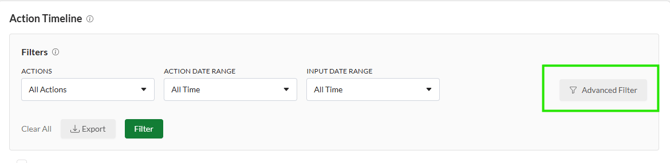
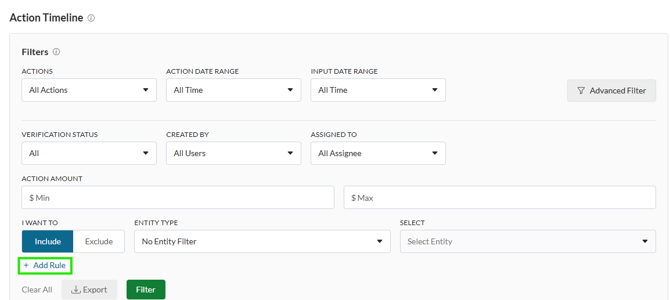
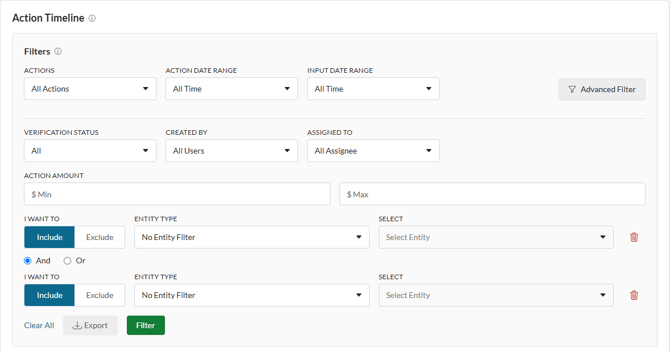
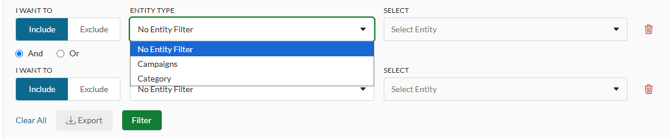
History filter options and timeline
Pro Tips- Pro Tip 1: Use the history as an audit trail to track all constituent interactions
- Pro Tip 2: Review history before reaching out to a constituent to understand your relationship context